Understanding TradingView: An Overview
In today's fast-paced trading environment, accessing real-time data and analytical tools is essential for both novice and seasoned traders. TradingView has become a cornerstone for many, offering a robust platform that consolidates complex market data into actionable insights. This comprehensive platform caters to a wide audience, allowing users to navigate through stocks, forex, cryptocurrencies, and derivatives from a unified entry point. By streamlining the research process, TradingView transforms how traders interact with the markets and develop their strategies.
When exploring options, TradingView provides comprehensive insights into market dynamics and tools that foster an effective trading environment. Understanding TradingView's functionalities and features is crucial for maximizing its potential in the ever-evolving trading landscape.
What is TradingView and How Does It Work?
TradingView is a social network and platform designed for traders and investors to analyze financial markets. It integrates various features such as advanced charting tools, real-time market data, and a vibrant community of analysts and traders. The platform allows users to create custom charts, apply different technical analysis methods, and communicate with other traders from around the globe.
Users can customize their dashboards according to their trading strategies and preferences. From beginner-friendly layouts to complex setups for professional traders, TradingView adapts to meet diverse needs. Additionally, it utilizes Pine Script, its proprietary scripting language, for creating custom indicators and strategies.
The Core Features of TradingView
Some of the standout features that enhance the user experience on TradingView include:
- Advanced Charting Tools: TradingView offers a myriad of chart types with the ability to overlay various technical indicators, trend lines, and patterns.
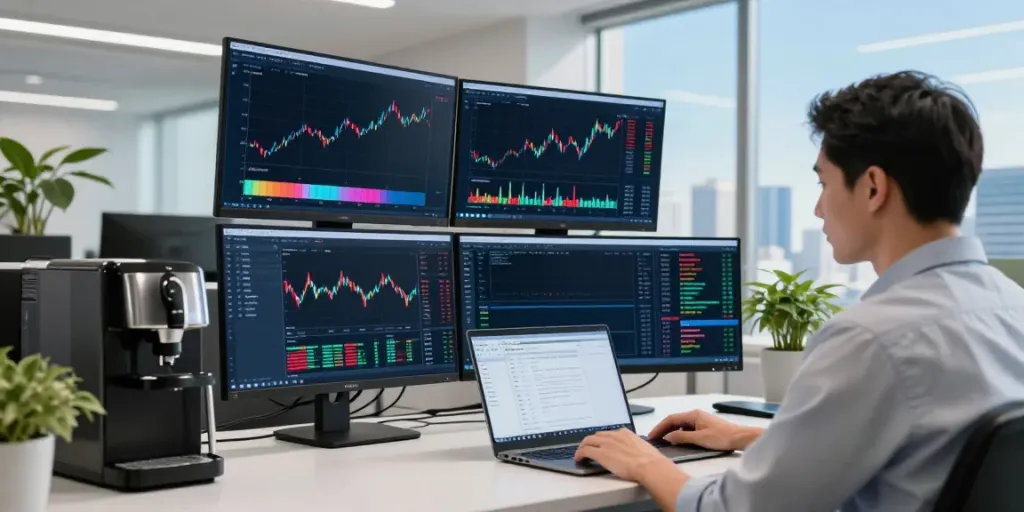
- Multi-Layout Functionality: Users can view multiple charts simultaneously, making it easier to analyze different assets or time frames at a glance.
- Custom Alerts: Traders can set price and indicator alerts that notify them of significant market movements, allowing for timely responses.
- Economic Calendar: This feature keeps users updated on critical economic events that may affect market positions.
- Backtesting with Strategy Tester: Users can test their trading strategies against historical data to assess effectiveness before deploying them in live trading.
Benefits of Using TradingView for Traders
The advantages of utilizing TradingView extend beyond its powerful tools. Here are a few key benefits:
- Community Engagement: The platform hosts a large community of traders sharing insights, strategies, and analyses, fostering collaboration and learning.
- Accessibility: TradingView is web-based, enabling access from various devices, including desktops and mobile, without compromising functionality.
- Comprehensive Market Coverage: It covers a wide range of markets including stocks, forex, cryptocurrencies, and commodities, allowing traders to diversify their portfolios with ease.
- Continuous Updates: TradingView regularly updates its platform, integrating user feedback to enhance user experience and features.
Setting Up Your TradingView Workspace
Creating an effective workspace on TradingView is crucial for optimizing your trading experience. A well-structured setup not only enhances focus but also allows for efficient analysis and decision-making.
Creating a Custom Workspace for Your Trading Needs
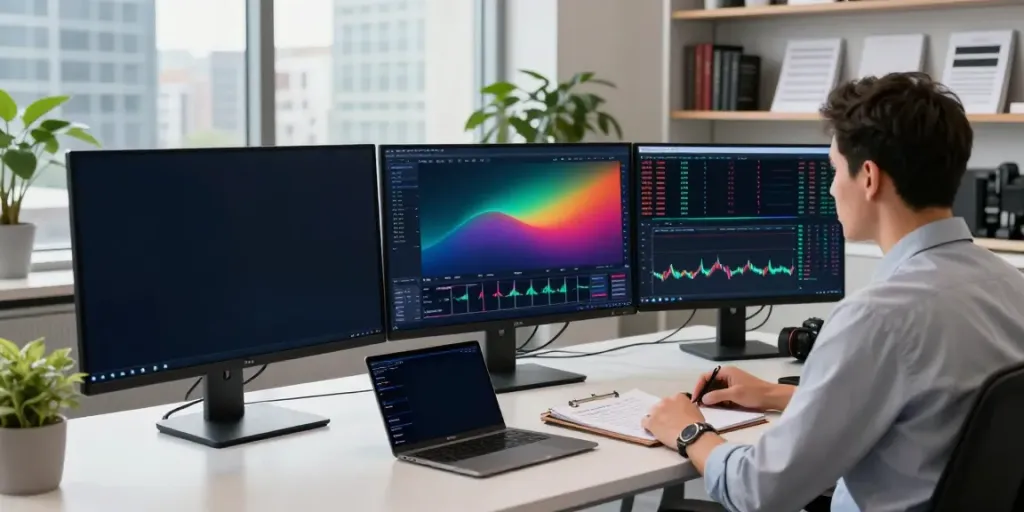
The first step is to tailor your workspace by selecting the markets and assets you want to track. TradingView allows users to create multiple layouts for different trading styles. For instance, you might want one layout dedicated to forex analysis and another for cryptocurrencies. Customizing the layout with appropriate charts and tools is essential for personalizing your analysis experience.
Integrating Charts and Alerts Effectively
Integrating various charts that reflect your trading strategy is vital. Consider adding indicators that you frequently use and set alerts for significant market movements. This integration ensures you are always updated on the assets you are interested in, without being overwhelmed by distractions from irrelevant markets.
Utilizing Multiple Layouts for Enhanced Analysis
Utilizing multiple layouts allows traders to monitor different assets simultaneously. For example, a day trader might want to observe short-term price movements on one layout while keeping an eye on longer-term trends on another. This approach enhances multi-tasking capability, enabling traders to make informed decisions quickly.
Analyzing Markets with TradingView
Market analysis is at the core of successful trading. With the right tools and data, traders can make informed decisions that align with their strategies.
Accessing Real-Time Data and Economic Indicators
One significant advantage of TradingView is its access to real-time market data. This feature is particularly useful for day traders and those looking to capitalize on short-term price movements. Additionally, the economic calendar provides context for market fluctuations, helping traders to understand potential price movements due to macroeconomic factors.
Using Advanced Charting Tools for Market Analysis
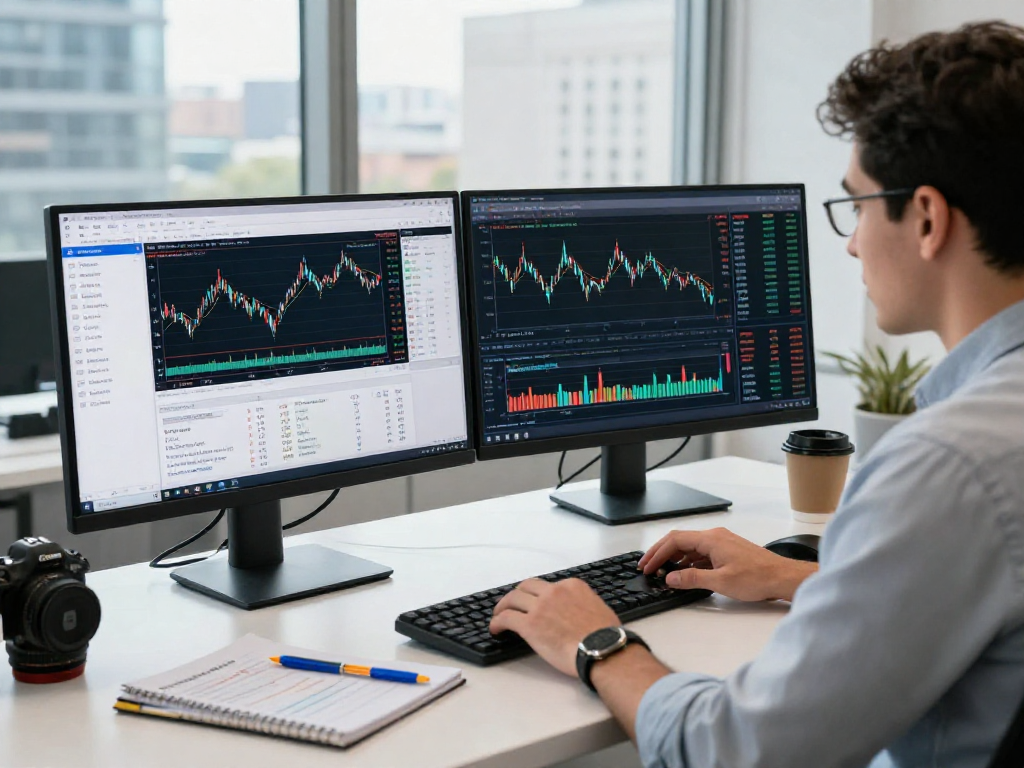
TradingView's advanced charting capabilities enable users to apply technical indicators like moving averages, Bollinger Bands, and Fibonacci retracements directly on the charts. TradingView supports various chart types, such as line, candlestick, and bar charts, allowing traders to visualize data in the manner that suits their trading styles best.
Implementing Technical Analysis with TradingView
Technical analysis is the backbone of many trading strategies, and TradingView equips users with the tools needed to conduct comprehensive analyses. By using features such as trend lines, comparative studies against other assets, and historical data, traders can refine their strategies and forecast potential market movements.
Developing Trading Strategies Using TradingView
Developing and testing trading strategies is essential for consistent profitability. Utilizing TradingView effectively can lead to better strategy formation and backtesting results.
Creating Custom Alerts to Optimize Trading Decisions
Custom alerts can transform how traders interact with markets. By setting specific conditions for price movements or technical indicator triggers, traders can focus their attention on pivotal moments, rather than constantly monitoring the charts. This feature ensures that important trading opportunities are not missed, allowing for improved discipline in following a trading strategy.
Backtesting Strategies with Strategy Tester
The Strategy Tester feature in TradingView allows traders to backtest their strategies against historical data. This function is invaluable for understanding potential performance and refining strategies before utilizing them in live markets. Traders can analyze win rates, maximum drawdown, and overall profitability, enabling them to make data-driven decisions.
Exploring Pine Script for Custom Indicators
Pine Script is a unique feature that sets TradingView apart from many of its competitors. It allows users to create custom indicators and strategies tailored to their specific trading needs. By learning Pine Script, traders can further enhance their analytical capabilities by developing unique tools that cater to their trading strategies.
Maximizing the Value of TradingView for Successful Trading
To fully harness the power of TradingView, traders should engage with the community and continuously update their knowledge of market trends and tools.
Collaborating with the Trading Community
One of the most significant advantages of TradingView is its vibrant community. Traders can share insights, scripts, and market analyses, creating an environment conducive to learning and growth. Engaging with others can provide new ideas and perspectives that may enhance personal trading performance.
Continuously Learning from Market Trends and Updates
The financial markets are constantly evolving, and staying updated on new trends, regulations, and market behaviors is crucial. TradingView provides a platform where traders can follow market news, economic updates, and peer discussions to remain informed and adaptable.
Future Trends for TradingView in 2026 and Beyond
As we move forward, TradingView is expected to integrate more AI-driven tools and advanced analytics to enhance the trading experience. Features such as predictive analytics and automated trading strategies may become more common, allowing traders to make even smarter decisions with less manual intervention.
What are the main features of TradingView?
The main features of TradingView include advanced charting tools, real-time data access, a customizable interface, and community engagement opportunities. These features make TradingView a comprehensive platform for traders of all experience levels.
How can I set up alerts in TradingView?
Setting up alerts in TradingView is straightforward. Users can define specific conditions based on price points or technical indicators, and the platform will notify them when these conditions are met, ensuring they remain proactive in their trading approach.
What is Pine Script and how do I use it?
Pine Script is TradingView's scripting language that allows users to create custom indicators and strategies. To use it, traders can access the Pine Editor within the platform, where they can write, test, and publish their scripts for personal use or community sharing.
Are TradingView strategies effective for beginners?
Yes, TradingView strategies can be effective for beginners, particularly when employing the backtesting feature to refine their approaches before entering live markets. The community also provides resources and shared scripts, which can significantly shorten the learning curve for new traders.
What are the benefits of using TradingView for market analysis?
The benefits of using TradingView for market analysis include its extensive range of tools for technical analysis, real-time data access, customizable alerts, and the ability to collaborate with a global trading community. These features allow traders to improve their strategies and make informed decisions.